

- Video templates — single-person scenes for rendering
- Multi-person templates — contain tracked person UUIDs for each person in the video
Finding template IDs
- Video templates
- Multi-person templates
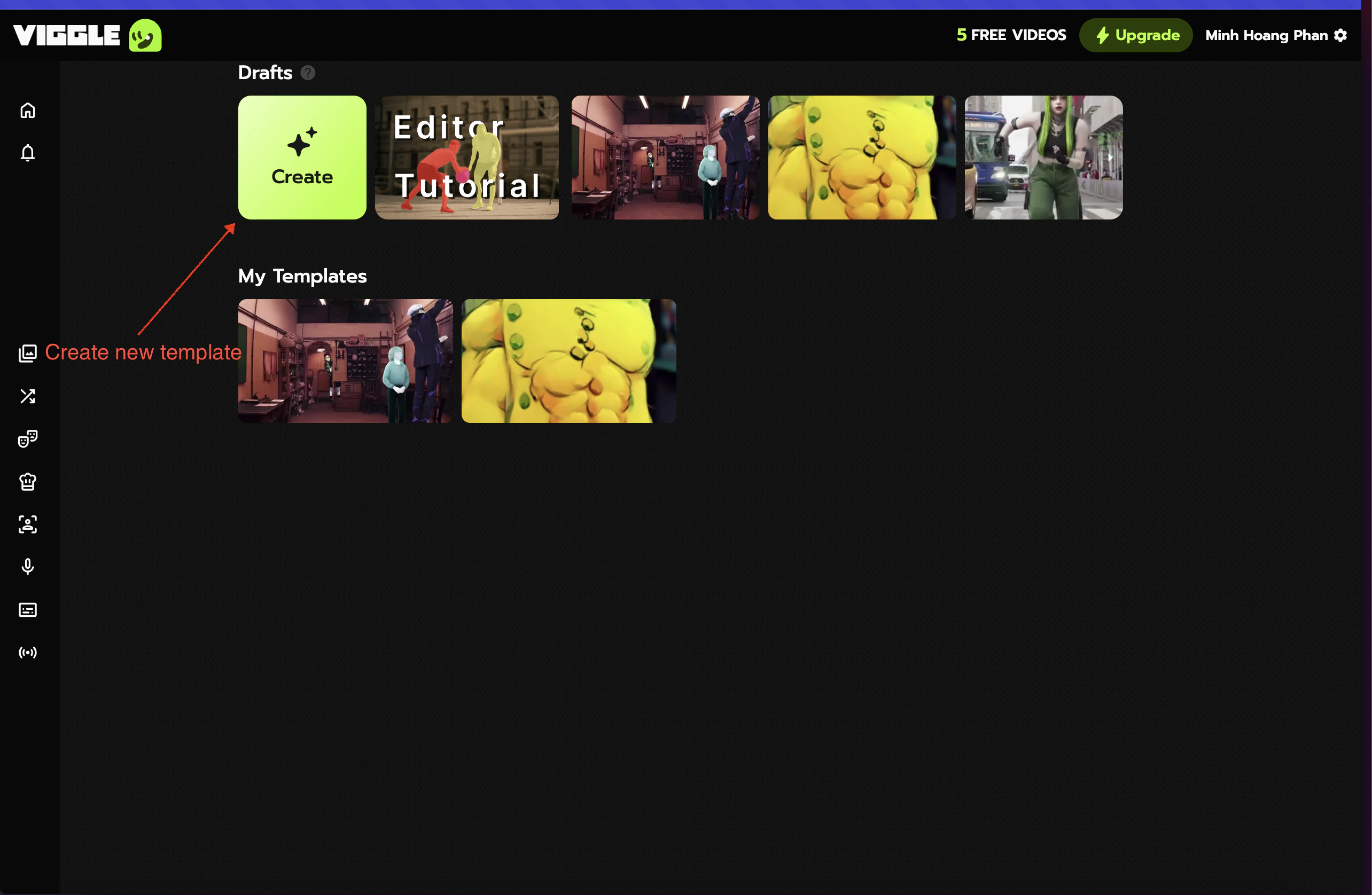
Single-person scenes from the viggle.ai homepage.
1
Browse templates on viggle.ai
Go to viggle.ai and browse the Hot Picks section.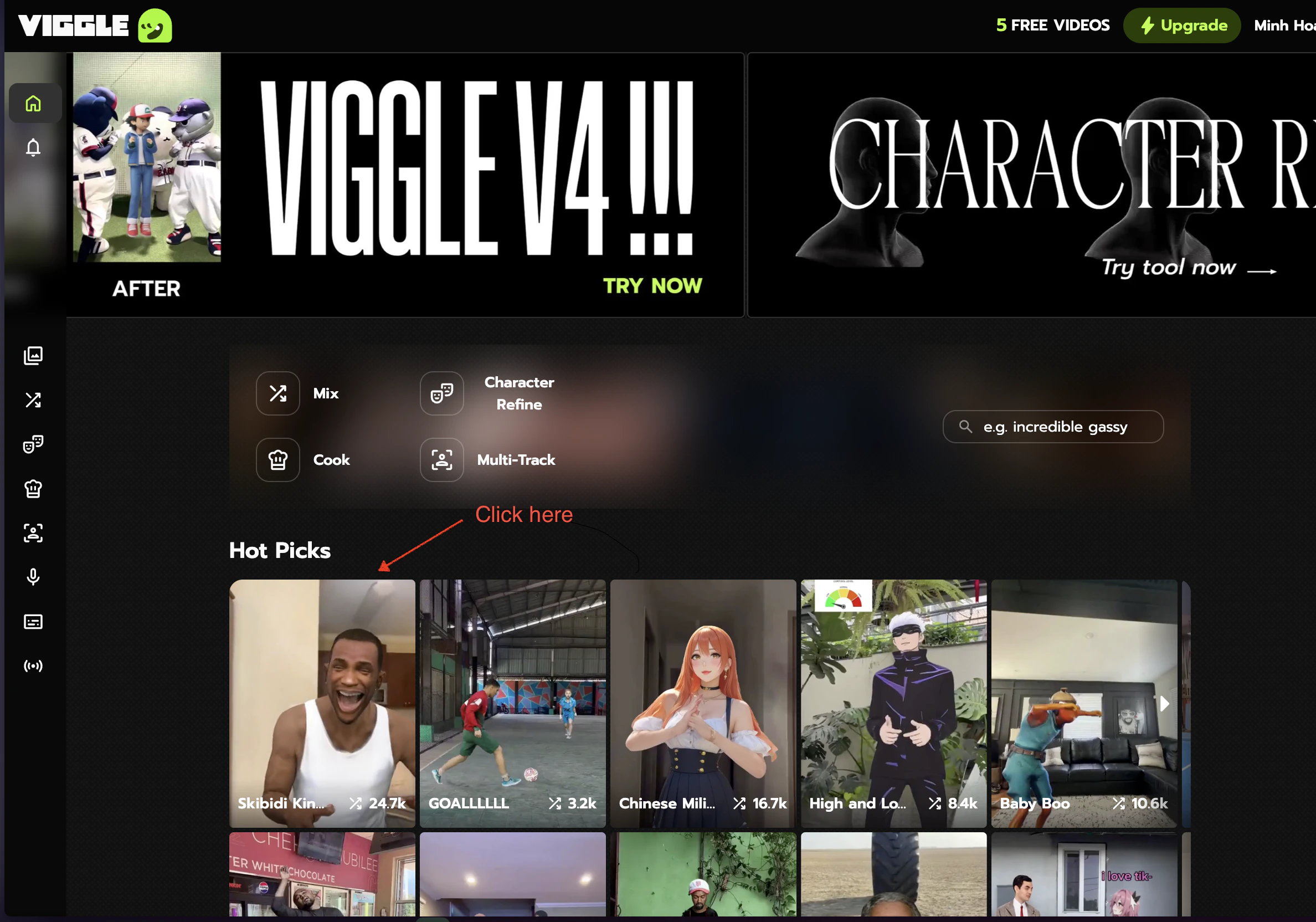
2
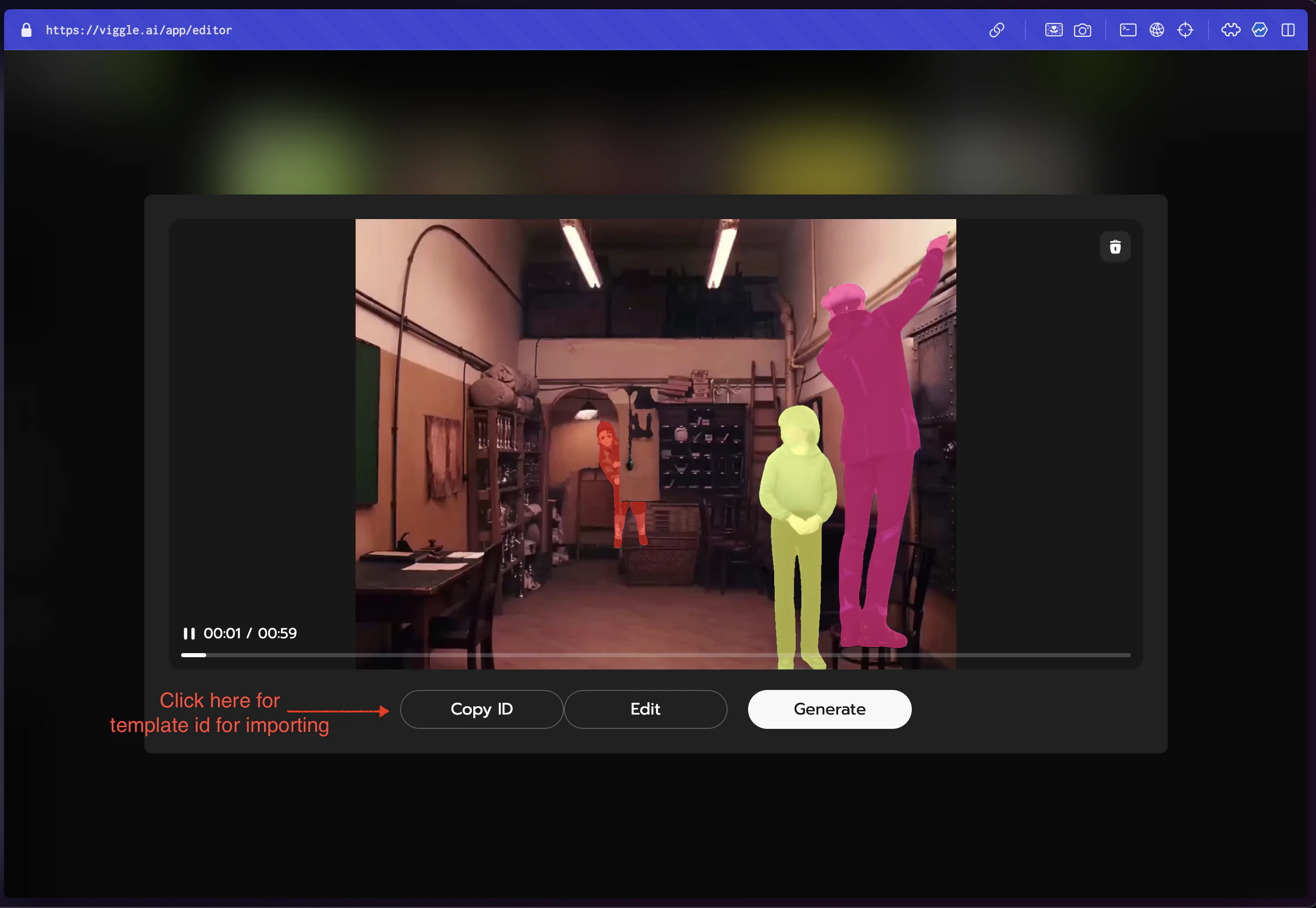
Copy the template ID
Click the copy icon next to the template title.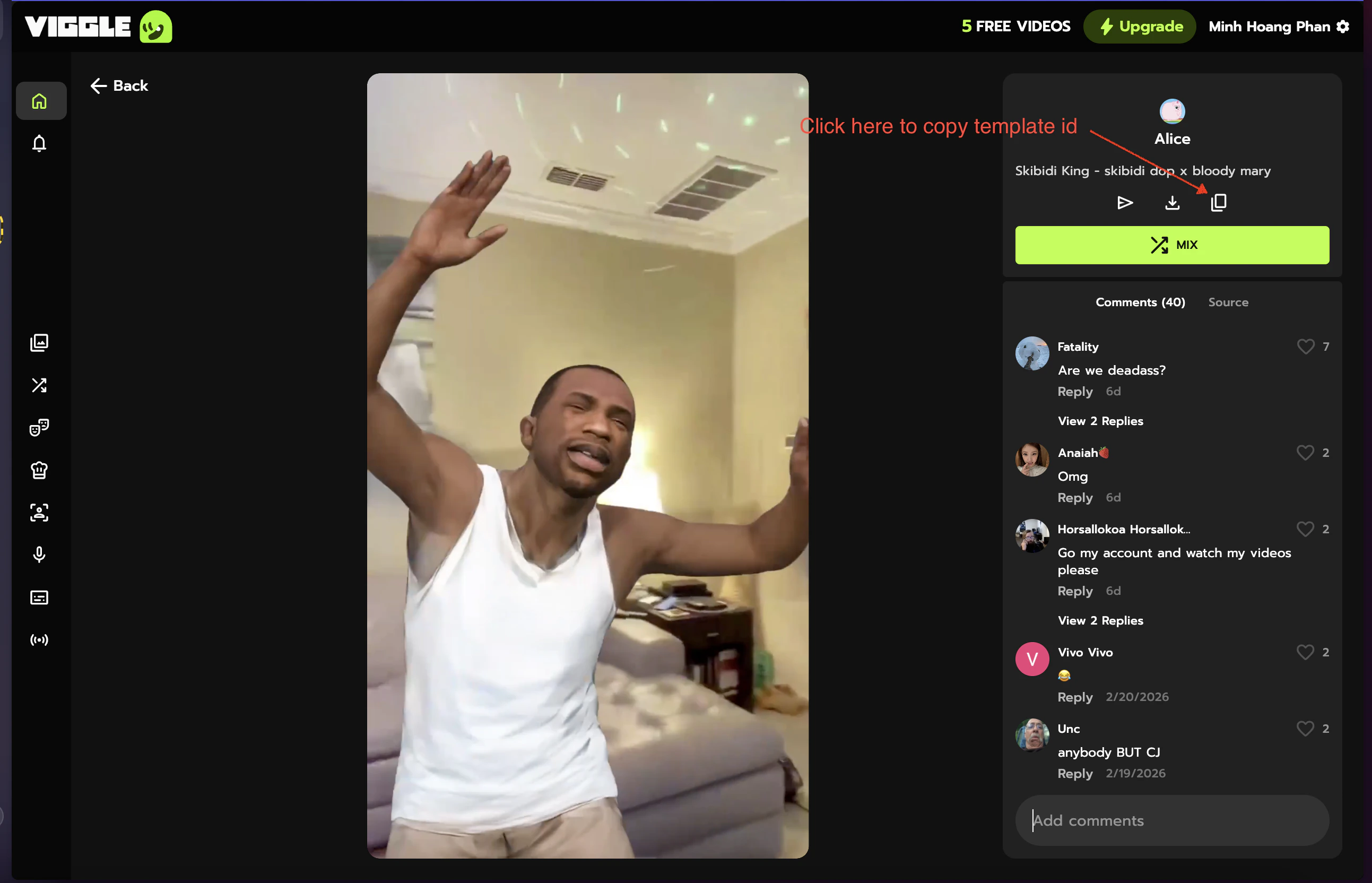
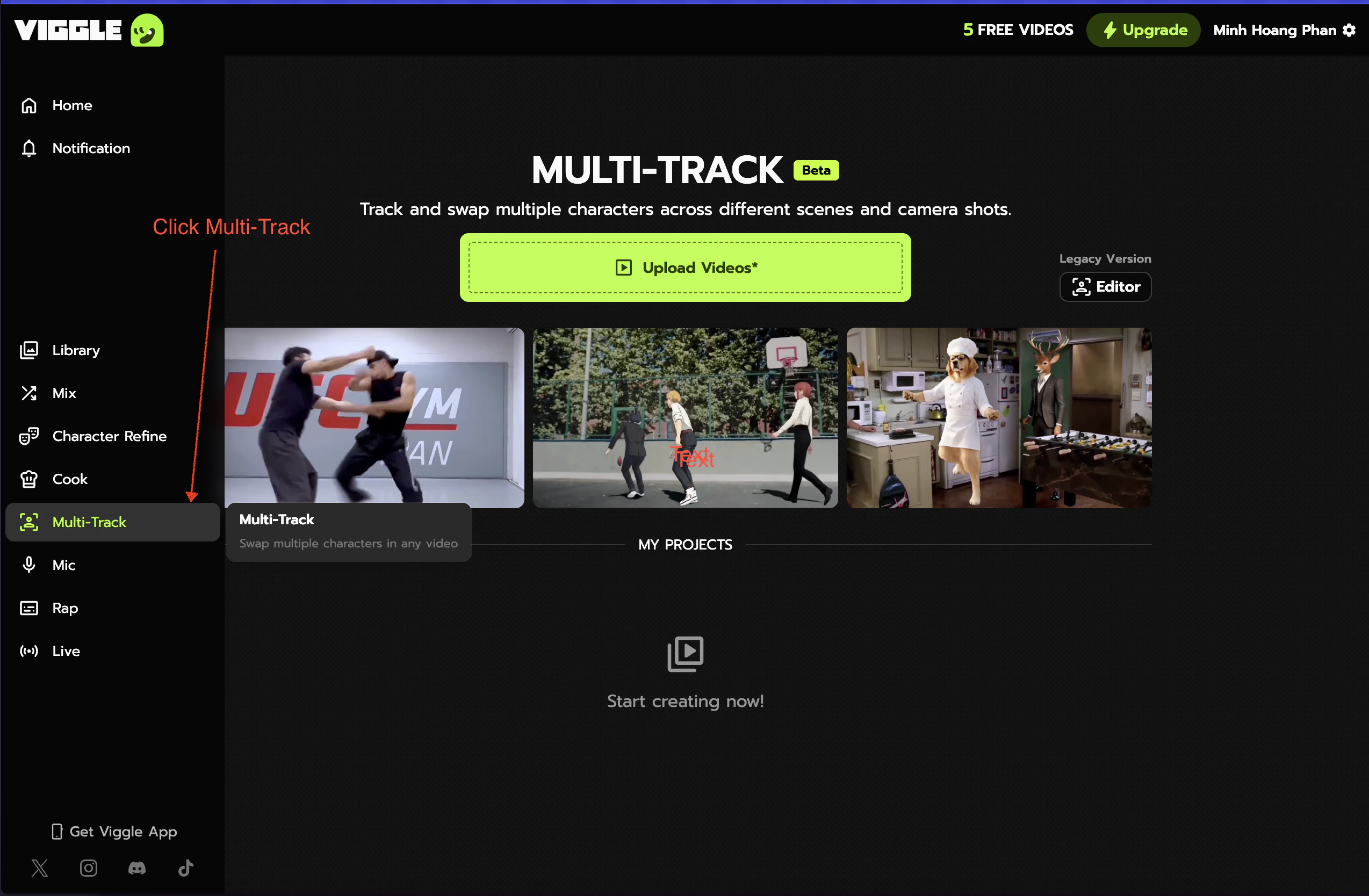
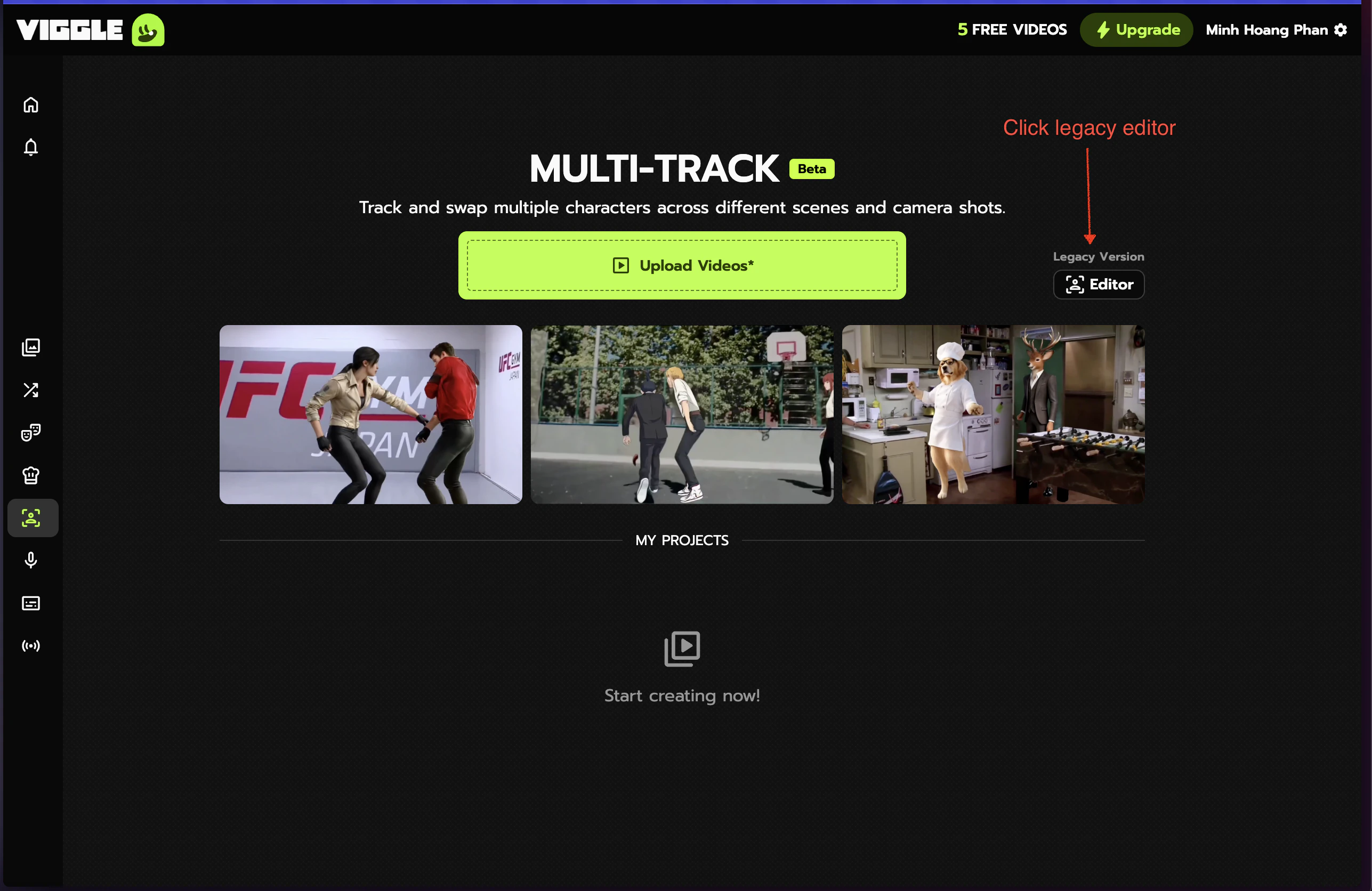
Importing via the API
- Single-person
- Multi-person
Tips
Video template vs multi-person template
Video template vs multi-person template
If
character_uuids is empty, it’s a video template — use with character_id. If character_uuids has entries, the template has multiple tracked persons.Reusing imported scenes
Reusing imported scenes
Once imported, scenes are saved to your account and reusable across renders.